Building Authority Without a Budget
A Guide to Technical SEO Optimization for the Non-Developer
The inner workings of a website can seem like a foreign language, leading many to believe that technical SEO is the exclusive domain of developers. However, with the rise of intuitive platforms and powerful yet accessible tools, you can significantly optimize your site’s technical foundation without writing a single line of code. The journey begins with a shift in perspective: see your website not just as a collection of pages, but as a structure that search engines must efficiently crawl and understand. Your goal is to remove every possible obstacle from that process.
Start with the essential audit, using free tools that demystify the technical landscape. Google Search Console is your most critical ally, offering a direct line of communication with Google’s index. Here, you can identify crawling errors, view which pages are indexed, and understand your site’s performance in search results. Complement this with a comprehensive crawl tool, such as the site audit feature in SEMrush or Ahrefs’ Webmaster Tools, which will simulate a search engine’s visit and flag issues like broken links, slow pages, and problematic redirects. These reports translate technical jargon into actionable tasks you can often address yourself.
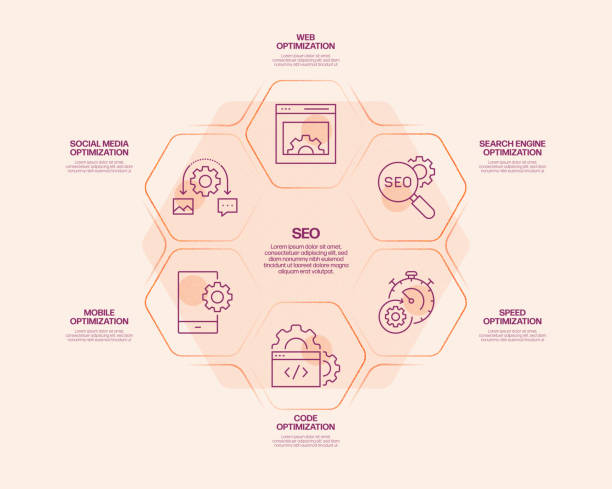
Site speed is a paramount ranking factor and user experience cornerstone, and it is highly manageable. Begin by running a Google PageSpeed Insights test, which provides specific recommendations for both mobile and desktop. Many speed issues originate from unoptimized images, a problem you can solve directly. Use free compression tools to reduce file sizes before uploading, and consider implementing lazy loading, a feature often available as a simple toggle in content management system plugins like WP Rocket for WordPress or via built-in theme options. Furthermore, leverage browser caching and minimize CSS and JavaScript through caching plugins, which handle the complex code in the background based on your selections.
Ensuring your site is properly indexed and structured is another area of direct control. In Google Search Console, you can request the indexing of new or updated pages and use the URL inspection tool to troubleshoot why a specific page might not appear. The integrity of your site’s structure relies on a logical internal linking network; as you create new content, consciously link to relevant older posts and cornerstone pages, creating a web that distributes authority and aids navigation. Simultaneously, be vigilant about broken links, which harm user experience and waste crawl budget. Regular checks with free broken link finders, followed by simple edits to update or remove the links, will maintain a healthy site architecture.
Finally, never underestimate the power of your content management system and its ecosystem. Whether you use WordPress, Shopify, or Squarespace, a wealth of dedicated SEO plugins exists. Tools like Yoast SEO or Rank Math provide user-friendly interfaces for managing critical technical elements: they generate XML sitemaps automatically, allow easy editing of robots.txt files, and simplify the implementation of schema markup through structured data blocks. They put advanced configurations into a familiar checklist format. Remember, your most important role is that of a diligent overseer. By consistently monitoring your tools, addressing alerts proactively, and methodically applying these platform-based solutions, you build a technically sound website that search engines can trust and users enjoy—all without needing to decipher a single script.